TRULY eSIM App
A native mobile app that lets travellers buy, install and top up eSIM data in a few taps, right from their phone.
- UX Strategy
- Wireframes
- UI Design
- Prototype
- Figma
- FigJam
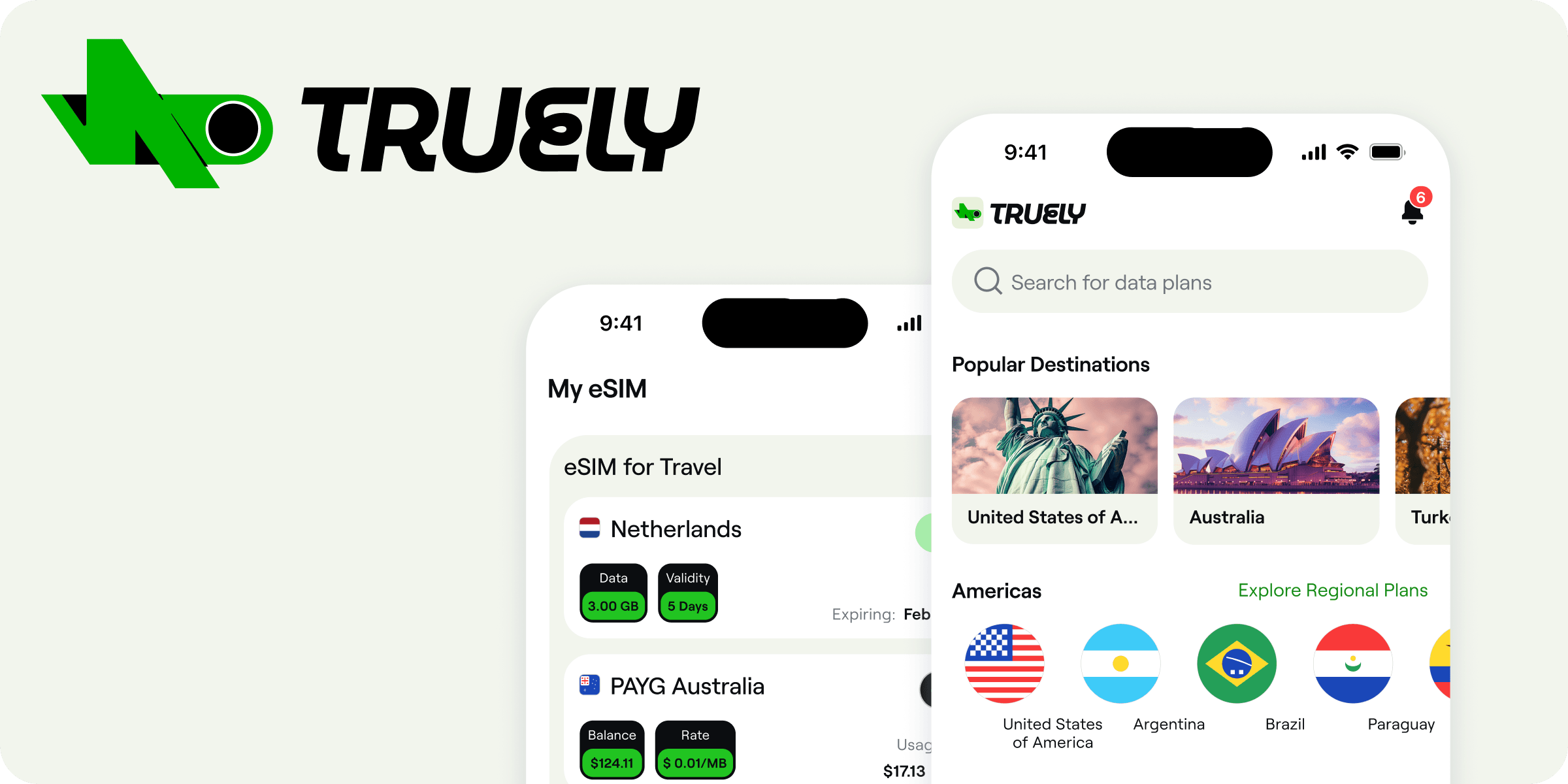
To give travellers and digital nomads a mobile-first eSIM experience: choose a plan, activate it and manage data in a few taps, anywhere in the world.
Designing for the mobile first, mapping the on-the-go moments where people buy and activate data, then shaping fast, thumb-friendly flows around them.
Design thinking process for mobile
Mobile-First
Does it work on a phone?
People are usually on the go, glancing quickly with zero patience. So make things big, obvious and easy to tap.
- Make buttons big and easy to tap, aim for 44px
- Around 34px feels comfortable
- Never go smaller than 26px
Task-First
What is the user trying to get done?
Figure out the one thing they came to do, put it front and center, and get everything else out of the way.
Keep it simple to get around:
- No confusing menus or pages that are hard to find
- No long or fiddly forms
Content-First
What does the user actually care about?
Lead with what people really want and need. Nail that first, then worry about making it look pretty.
Write for reading on the go:
- People take in about half as much on a phone as on a laptop

Nadia Rahman
31 · Travel Content Creator
Fast, reliable data the second she lands so she can post and stay online while she keeps moving.
Grab a plan and get connected in a couple of taps, then top up without thinking about it.
Patchy connections kill her uploads, and swapping SIMs in every new country is a real hassle.

Leo Martins
23 · Student · Backpacker
Cheap, short-term data across lots of countries without locking into anything long.
Compare prices fast, pay once, and skip the SIM-card queues at the airport.
Tight budget, and nervous about surprise fees or plans he can't cancel.

Priya Nair
34 · Remote Product Manager
Dependable data for calls and work during long stays abroad, all managed from her phone.
Keep an eye on usage, top up before she runs out, and switch plans as trips change.
Can't afford dropouts during client calls, and hates juggling multiple SIMs.
End-to-end user flow
From first launch through plan purchase, profile install, activation on the ground and mid-trip top-ups — every branch, failure path and loop-back the build has to handle. Click any node for its build notes.
States the flow has to survive
The diagrams above show the intended route. These are the conditions that knock a user off it — each one needs a designed screen, not a generic error.
| Condition | What the user sees | Effect on flow |
|---|---|---|
| Device has no eSIM slot | Compatibility screen with a model list and a link to check IMEI via *#06# | Hard stop |
| Carrier-locked handset | Explainer on unlocking, plus a reminder that the plan can be bought now and installed later | Purchase allowed, install deferred |
| Payment declined | Reason from the processor, alternate methods surfaced first, order held for 30 min | Retry loop |
| Profile download fails mid-install | Retry with the same activation code; QR and manual SM-DP+ details always visible as fallback | Retry loop |
| Activation code already used | Support hand-off with the order ID prefilled; agent can reissue a profile | Support required |
| Installed but no data at destination | Checklist: data roaming on, line set as mobile data, APN, airplane-mode cycle | Troubleshooting loop |
| Data used up mid-trip | Push at 80% and 100%; top-up sheet opens one tap from the notification | Top-up path |
| Plan expires while abroad | Expired badge on the eSIM card; buy-again keeps the same destination and profile | Re-enters discovery |
| User switches to a new phone | Transfer flow: deactivate on the old device, reissue profile on the new one | Re-enters install |
| Offline on arrival, before install | Install assets cached at purchase so QR and codes render with no connection | Works offline |